Personalized Greetings
Personalized greetings are an excellent way to connect with your audience and make the content of your emails stand out. Emails with any form of personalization can increase click rates by up to 139% , heavily increasing subscriber engagement.
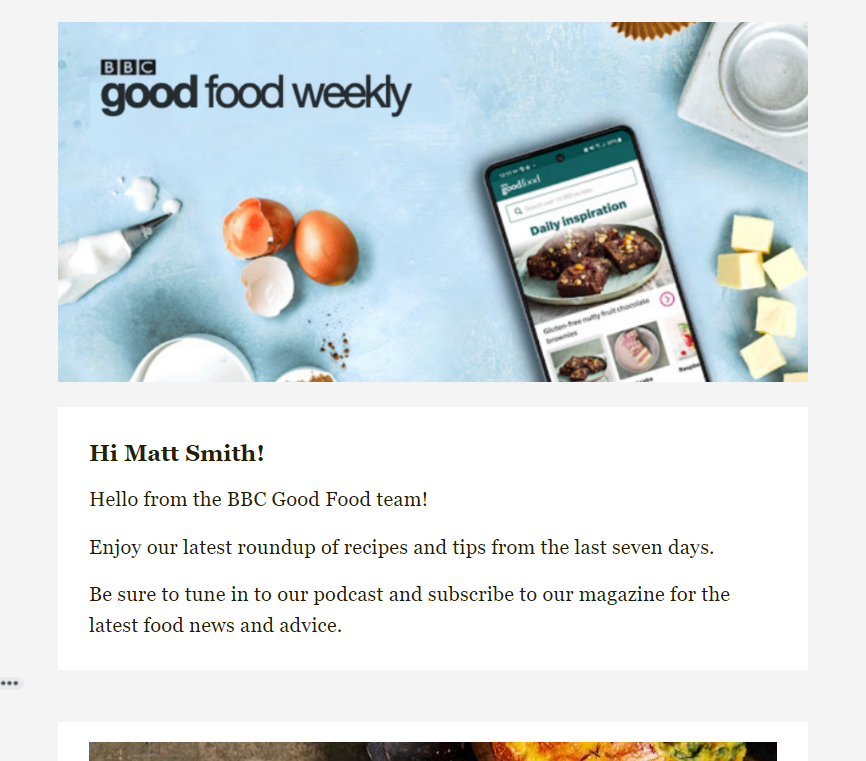
Echobox allows you to insert your subscribers’ first and/or last names in your emails if you have collected that data.
Collecting Subscriber Data
For details on how to collect first-party subscriber data please see the following:
Personalizing different types of Editions
Optimized
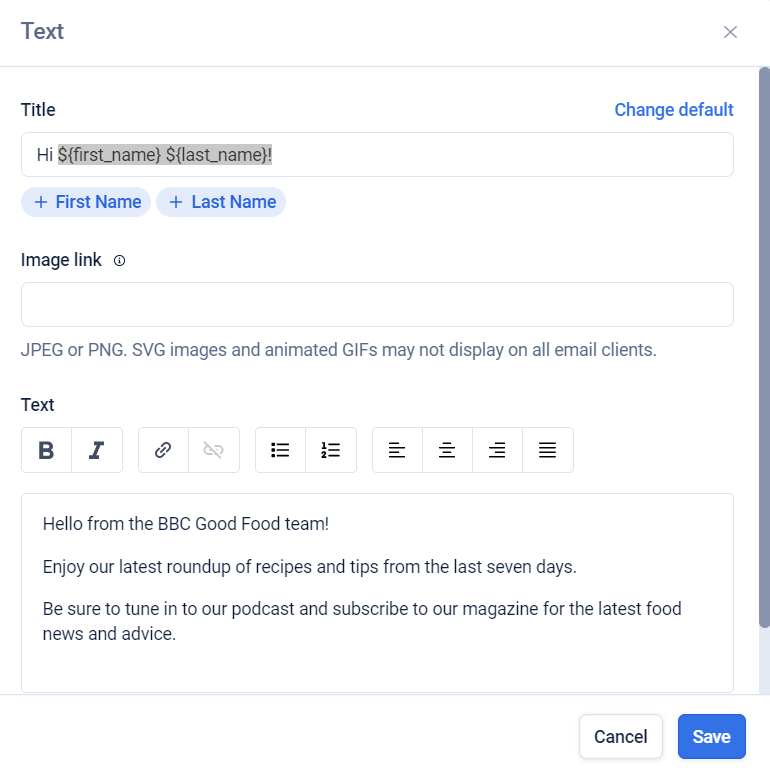
First and last names can be placed in the title or main body of an Edition’s text block. This can be done by adding a text block and then clicking the appropriate buttons in the text block. Your subscribers’ names will then be automatically inserted where you have specified in future Editions.
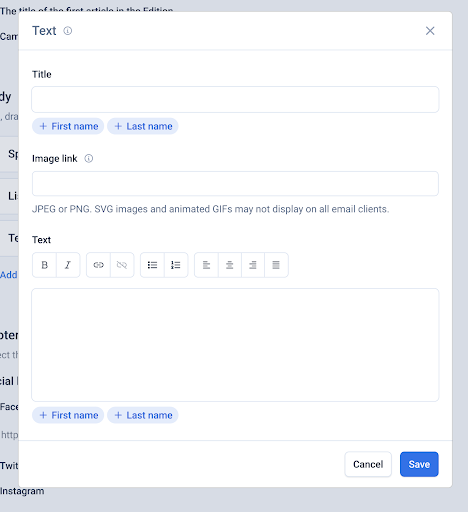
This can be overridden on the Curate Page by deleting ${first_name} and ${last_name} text in your Edition.
Custom: HTML
First and last names can also be placed in the body of an HTML email by clicking on the same buttons above the HTML field. This will place them where you last clicked within the HTML body.
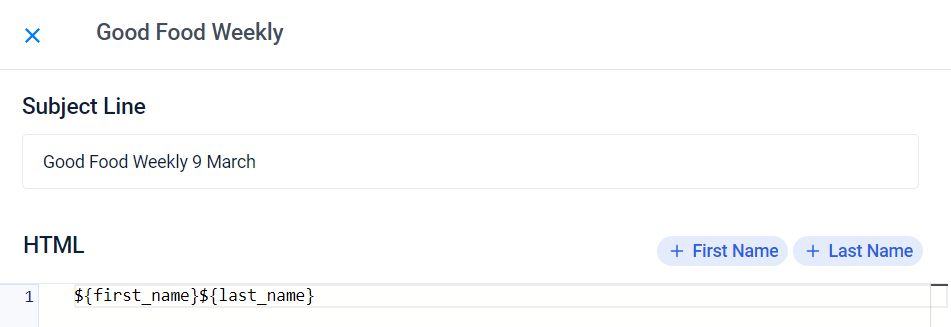
First and last names in the HTML field
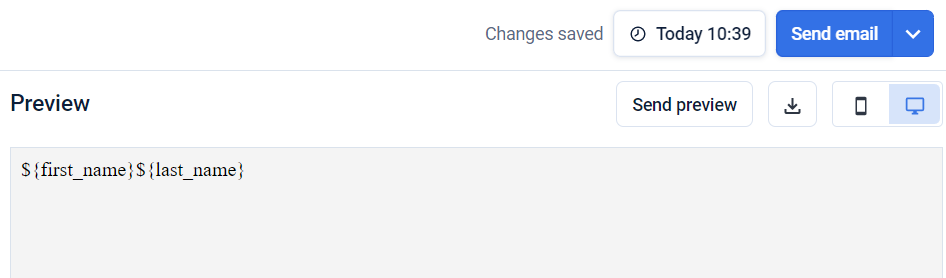
First and last names in the HTML preview
Marketing templates
For Marketing emails, first and last names can be added to any heading, text or button block.
To do this, you will need to select the Merge Tags dropdown and then choose the name you want to add.
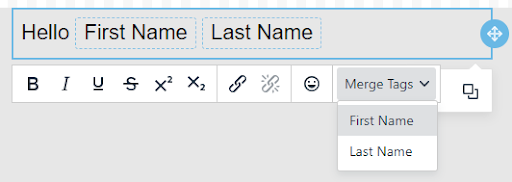
Setting a Fallback
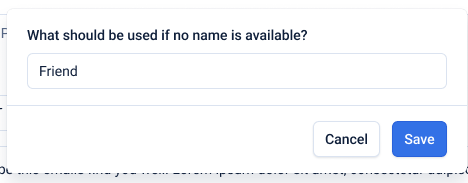
In all these cases, you will be asked to set a fallback name for when a subscriber’s name is not available. You can choose to leave this blank, in which case no value will be included, or set a default value, e.g. “friend”