Overview
This document explains how to manually add new subscribers to Echobox and how to edit their data.
How to manually add individual subscribers
Navigate to your subscriber list by clicking on 'Subscribers' in the left hand nav and then click 'Add'.
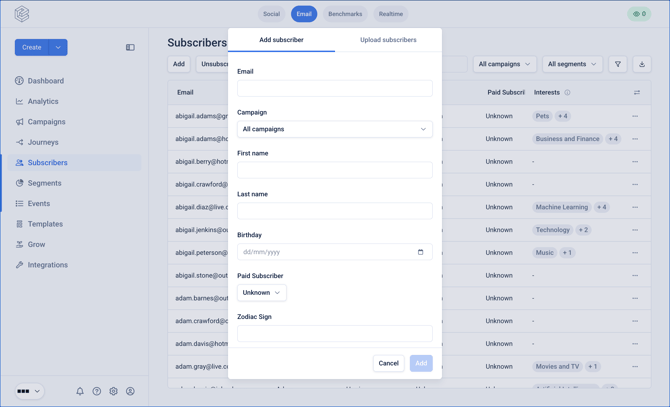
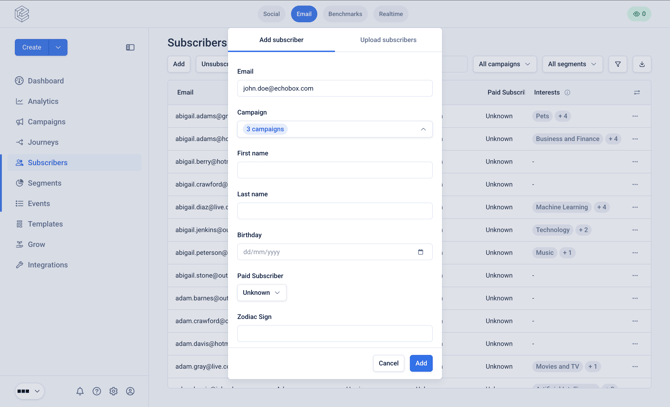
From here you can enter individual emails, select the Campaigns they should be subscribed to, and then click 'Add' to subscribe them.
These subscribers must have given explicit permission to receive emails from you. You will be asked to confirm this before they are added to your Campaign.
How to edit existing individual subscribers
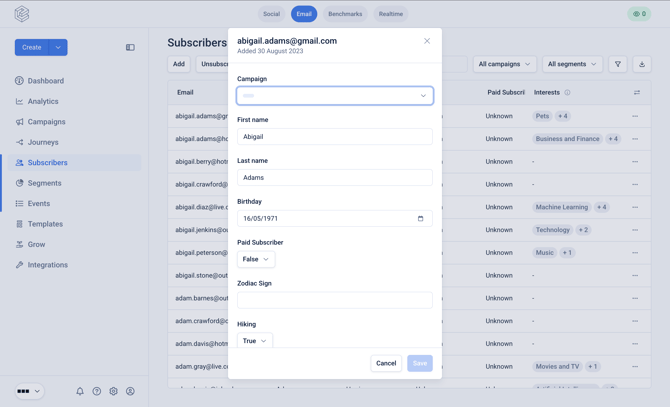
From the subscriber list click on the 3-dot menu icon for a specific subscriber. Use the 'Search' bar to search for specific subscribers on the list.
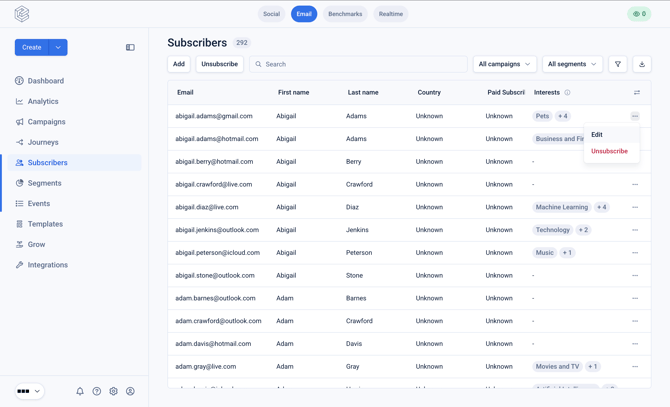
From here you will be able to edit their subscription statuses for any Campaigns and you can also modify any of their custom data.