How to get content to publish immediately
From the Home Feed
-
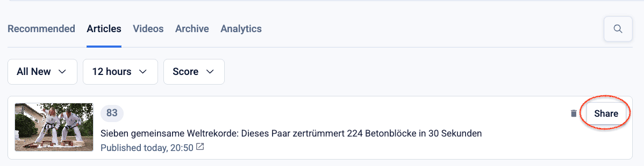
Click on the Share button of your selected piece of content. This will open the Compose box.
-
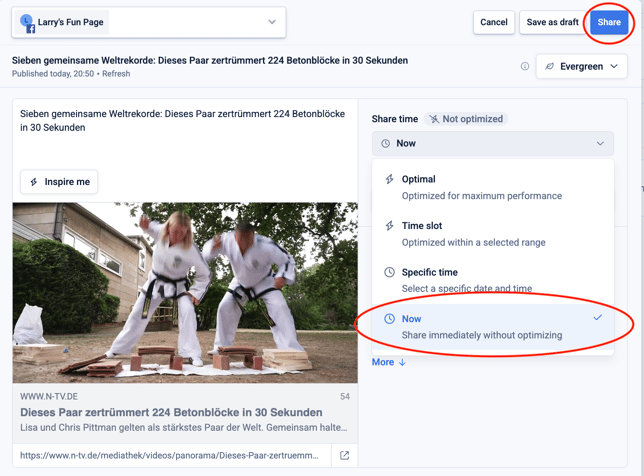
Make sure that the share time selected is Now, then click Share.
From Recommended
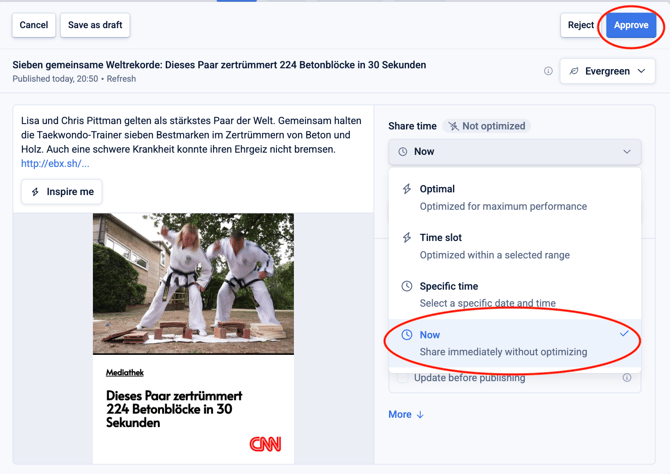
If you are using the Recommended tab and want to force a suggestion to be shared immediately, proceed as follows:
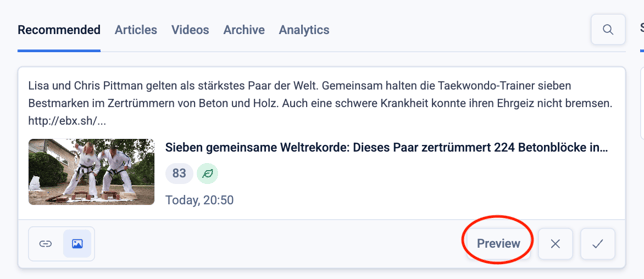
- Click on the Preview button on the bottom right of the suggested piece of content.
- Make sure that the share time selected is Now, then click Approve.
From the Schedule Queue
If you have the Autofeed on and wish to immediately share a piece of content which is currently in the Schedule Queue, you can proceed as follows:
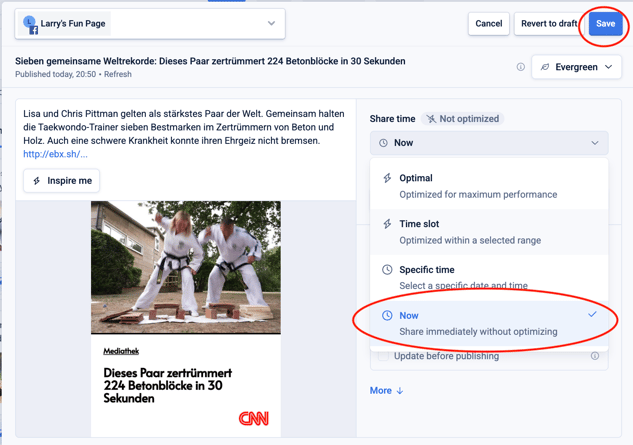
- Click anywhere on the scheduled piece of content to open the compose box
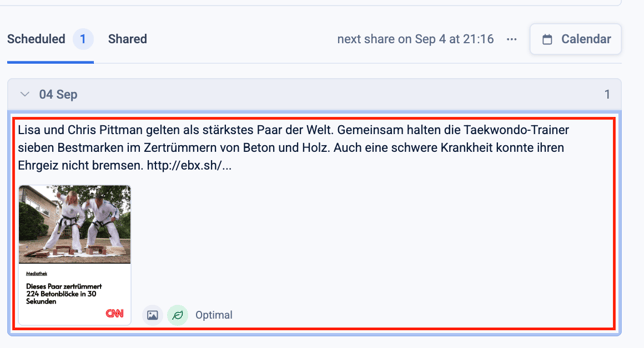
- Make sure that the share time selected is Now, then click Save.