
Marketing templates
To add the ‘View in browser’ link to Marketing templates, navigate to the template via the left hand navigation and create a new template or select an existing one.
From within the template editor insert a new text block. It is common practice to include the 'View in browser' link at the top of the email.
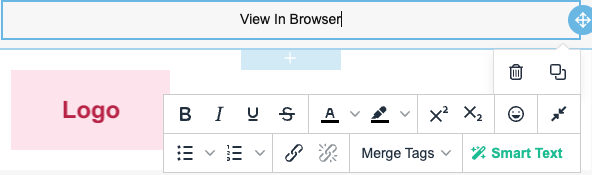
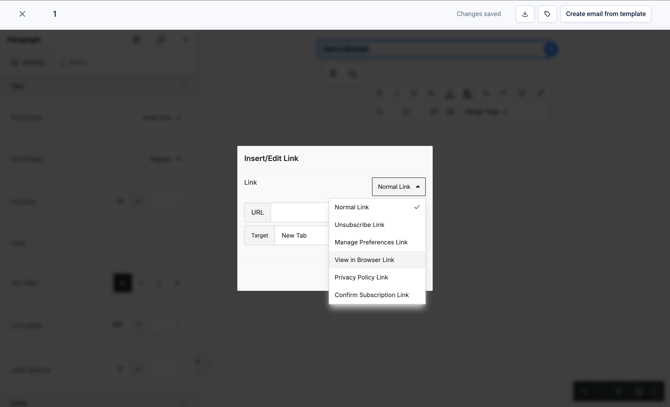
In the options panel, select the link icon and expand the 'Normal Link' dropdown.
Select 'View in Browser Link' and click 'Save'.
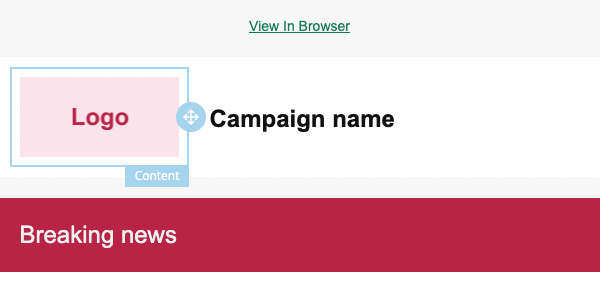
You have now successfully enabled ‘View In Browser’ for the Marketing template.
HTML emails
For HTML emails, you can add the following snippet in the code to enable ‘View In Browser’.
<a href="$view_in_browser" target="_blank">View in browser</a>