
Publishers can use Echobox to overlay the images associated with their link shares, for example to brand them with their logo, or to indicate that a story is breaking news (as in the examples below)
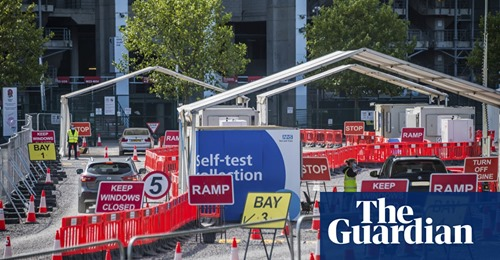
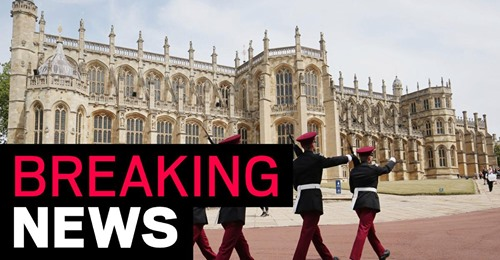
Users can set up an overlay image for their Facebook link posts in the Page Settings of their Facebook page in Echobox.
Here you can upload an overlay, which is applied to your share images like so:
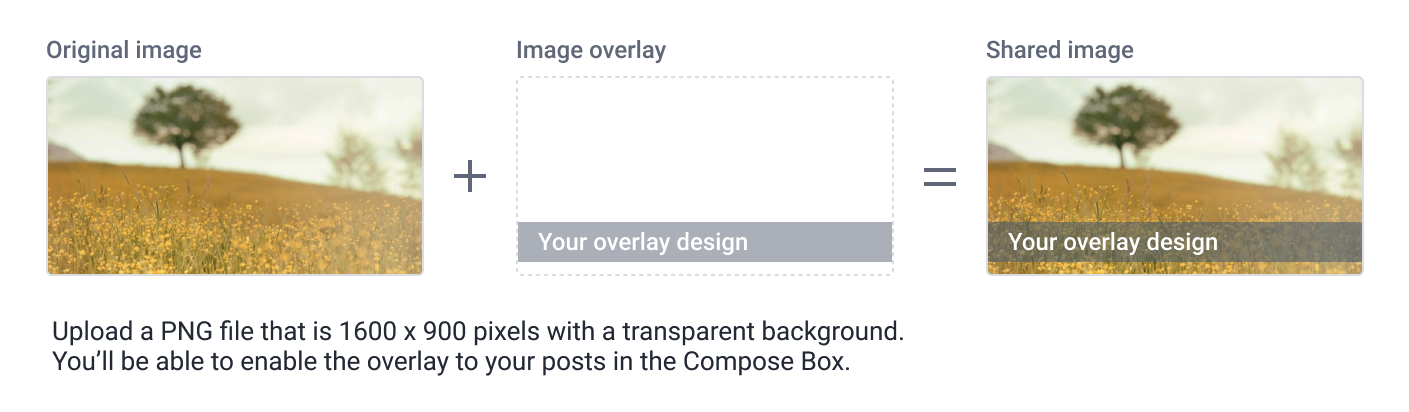
Overlay files:
-
- Must be a transparent PNG
- Must have an aspect ratio of 1.9:1
- Similar to images we recommend a minimum of 1080px wide on Facebook
With an overlay set up, you can apply it to any given share by checking the option in the Compose Box.
Why can't I click to add an image overlay on my share?
There are several reasons why image overlay could be unavailable for a given share:
- You have not configured image overlay in your settings - make sure you have successfully uploaded the image to be overlaid
- You do not have Facebook domain verification - Facebook does not allow the modification of share images if the page is not linked to a verified domain. Contact Echobox support to get domain verification set up
- You are making an AB test and have edited one version of the share - simply turn off AB test to apply the overlay before setting up the test again
- The share image aspect ratio isn't supported - we can only apply overlays to share images with an aspect ratio between 1.71 and 2.09, although most Facebook share images fall within this range