
What are Editorial templates?
Editorial templates refer to templates used by the Campaign to send newsletters. They can:
-
Be populated with content from RSS feeds
-
Leverage content personalization (selection and ordering)
They cannot:
-
Be used in journey emails
-
Be used by the Transactional or Schedule API endpoints
Where can I find the Editorial templates?
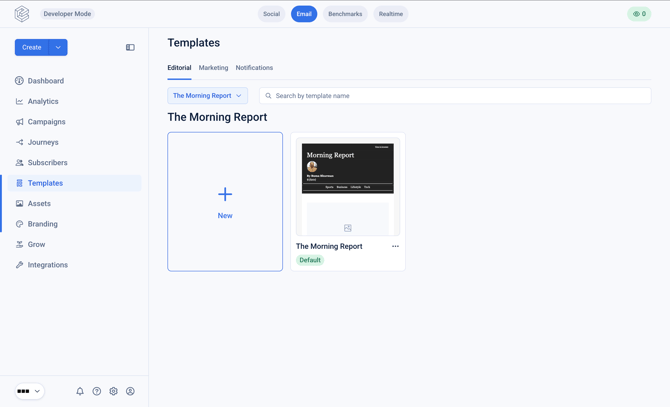
Navigate to 'Templates' in the left hand nav and tab to 'Editorial'.
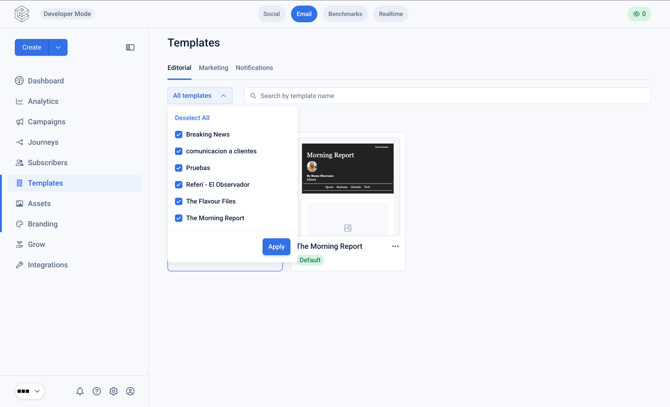
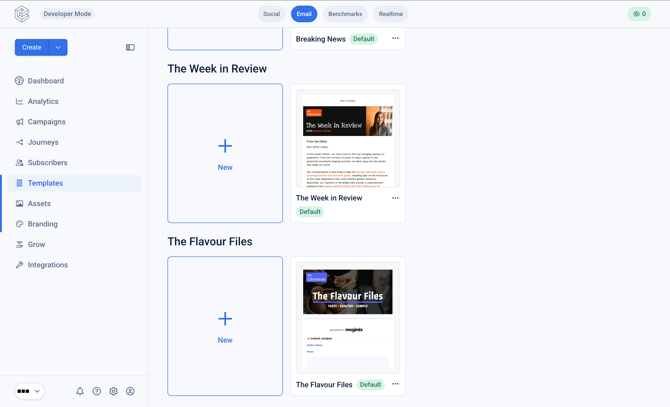
Select all campaigns to view the Editorial templates across all the campaigns.
What is a default Editorial template?
Each Campaign must have a default template assigned so that the system knows:
- Which template to use when manually creating a new Edition
- Which template to use when automatically creating and sending Editions
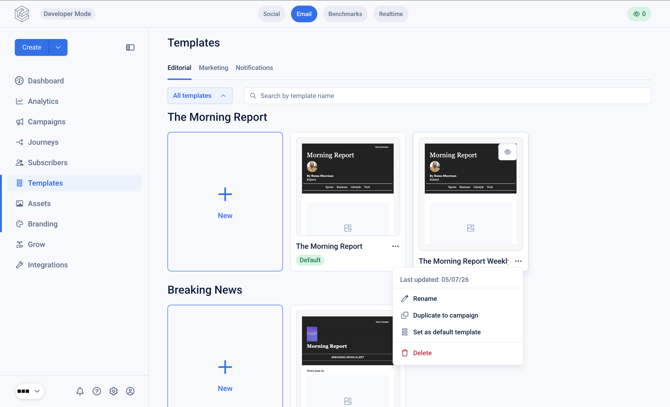
To update a default template for a campaign, click the 3-dot menu and select 'set as default template'.
How can I duplicate an Editorial template?
To move a template between Properties and Campaigns, click on the 3-dot menu for a specific template.
Click 'duplicate to campaign'.
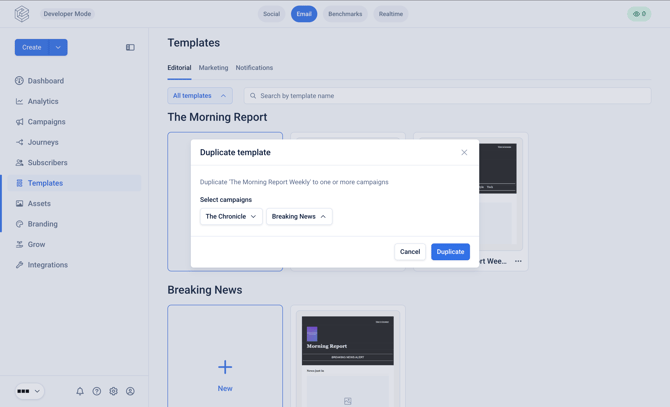
Select the Property and Campaign you wish to duplicate the template to, and click 'Duplicate'.